Google Play
Download Priotrix
Priotrix is now live on Google Play. Open the store listing to install or update the public release.
Google Play
Public release
Use this link to view Priotrix on Google Play, install the current public release, and receive future updates.
https://play.google.com/store/apps/details?id=com.priotrix.app&hl=en&gl=US
Installation steps
- 1Open the Google Play link above and confirm you are viewing the public Priotrix listing.
- 2Tap Install (or Update if already installed).
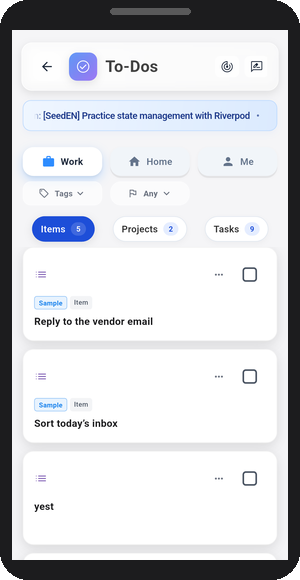
- 3Open Priotrix and start with Notes, Items, and Projects.
FAQ
I want to understand how Priotrix works before installing.
Start with the Guide, then come back to install.
Google Play is shown in a different language from this website.
Google Play localizes by browser language, Google account language, and region.
Google Play says it's not available in my country/region.
Availability depends on the Play Console release configuration. If your region is not yet enabled, please check again later.
Where can I find subscription, privacy, and account deletion details?